Practice Track Maker - for Lessons and Rehearsals

Prepare a small, purposeful practice pack from one source instead of sending every learner the same unchanged mix.

Free 5-minute trial
5 free minutes daily
Minute Packs available
IMPORT
SEPARATE
EXPORT

Separate vocals, drums, bass, and other parts.

Choose a file to continue.

How Practice Track Maker Works

Full stems supports a reference state that keeps the target part audible and a replacement state that reduces or mutes it for practice.

Practice Track Maker Features and Proof

Use the real workspace and the owned demo player to check the available stem groups, the intended result, and the next export before delivery.

Start the practice track maker with one learning goal

A practice track should answer a learning problem. Use the singer rehearsal guide for guide-vocal decisions, or the backing track maker when one adjustable performance mix is the final deliverable.

Pair reference with replacement

The reference state keeps or emphasizes the part being learned.
How to Get a More Useful Result

Review the whole song, keep the source and mix decisions explicit, and test the exported file in the environment where it will be used.

Use musical checkpoints instead of vague ratings

Pick the first entrance, one important transition, the hardest phrase or fill, and the ending.

Name the files for the learner

Use filenames that state the source version, target part, and practice state: guide vocal, vocal muted, drums reference, drumless, bass reference, or bassless.

Select a format that every learner can open

MP3 usually works for messaging, phones, and simple playback. If the next step is arranging, recording, or adding instruments, compare free music production software by platform and task rather than choosing from a long feature list.

Practice track maker use cases

Build a small, named set of rehearsal files from one authorized source.

Reference listening

Keep one complete balance so the learner can hear the target part in context.

Use the same timeline as every practice version.

Performer-minus practice

Mute the part the learner will replace during rehearsal.

Review the first entrance and hardest section.

Lesson handoff

Name files by learner, part, and purpose so the assignment stays clear.

Choose a format the learner can open.

Section review

Check musical landmarks across the full song instead of judging one chorus.

Mark the beginning, middle, and ending.

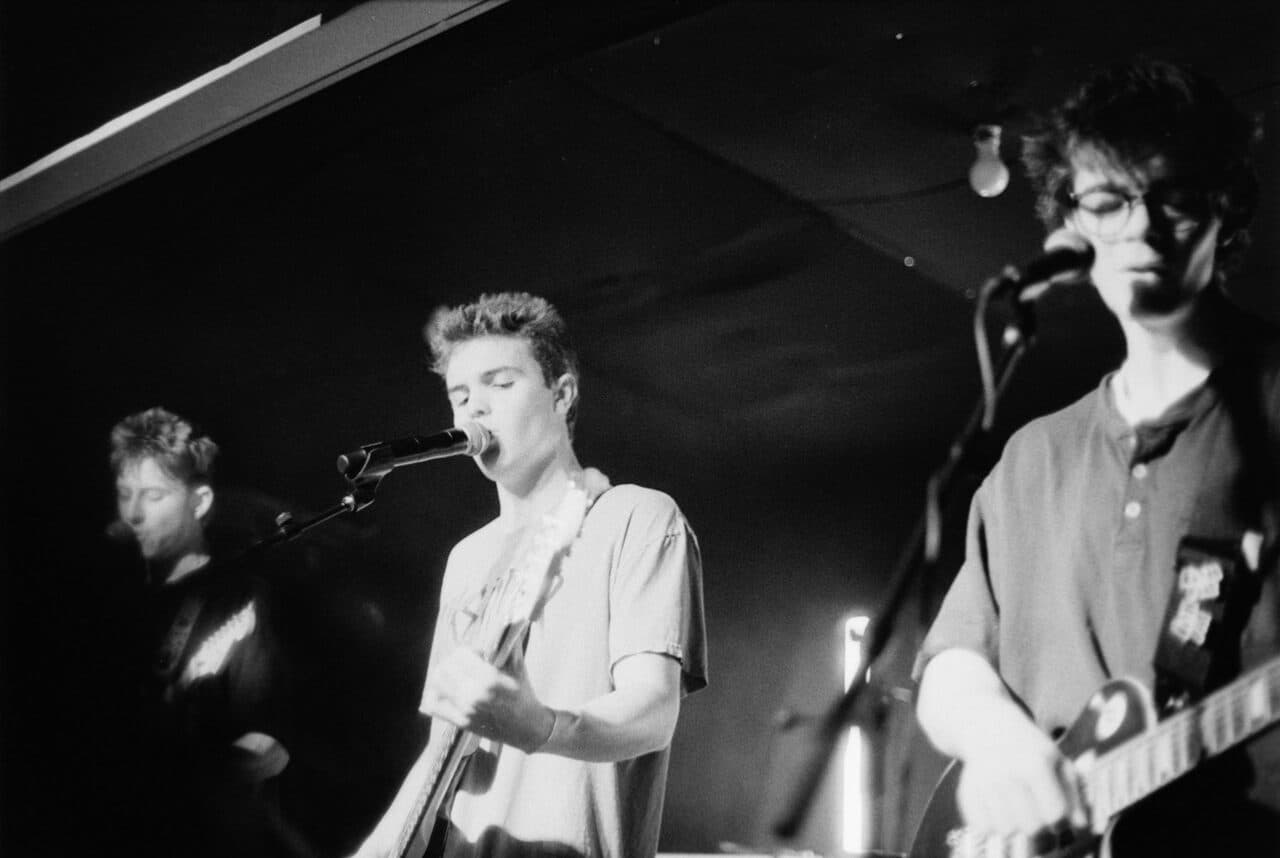
A band performing with guitars and microphones on stage

Build the next rehearsal state

Define the target part and mark a beginning, important transition, difficult passage, and ending. The reference and replacement plans should differ at the target group while retaining the same duration and checkpoints for the learner.

Name the learner, target part, and rehearsal objective.
Inspect the target group in the complete mix.
Create a reference state that keeps the target audible.
Create a replacement state that reduces or mutes the target.
Upload a Song

Practice Track Maker FAQ

Product limits, input and output choices, rights boundaries, and practical handoff questions for this workflow.

It is a version prepared for a specific rehearsal goal, such as hearing a part clearly and then practicing with that part reduced or removed.

Separate once, plan two practice states

Full stems supports a reference state that keeps the target part audible and a replacement state that reduces or mutes it for practice.